 Beginner
The full Seestar walkthrough
ScottC AstrophotographyScottC covers the S50, S30 and S30 Pro. A broad introduction to the app and capture workflow.
Video details & save for later →Get your first image. Set up a wedge. Build a better stack. Practical guides and videos for getting more from your Seestar.
Connect, find something worth shooting and come home with your first image.
From a secure wedge to polar alignment and a useful test stack.
Repeatable framing, cleaner frame selection and a useful capture log.
Practical Seestar guides, from first light to a multi-night project.
Connect, find something worth shooting and come home with your first image.
From a secure wedge to polar alignment and a useful test stack.
What changes, what does not, and what to check before buying one.
Choose settings for the target, rather than turning everything up.
Know the difference between a shareable image, a stack and individual subs.
Repeatable framing, cleaner frame selection and a useful capture log.
A restrained workflow for backgrounds, colour, stretching and the final export.
Know when to use a mosaic, and budget time for more than one field.
A practical order for checking rejected frames, soft stars and connection problems.
Try another search or show all experience levels.
A wedge tilts the mount’s axis towards the celestial pole. A good setup can keep more of your frame through a long session—but alignment and stability still come first.
Beginner
ScottC covers the S50, S30 and S30 Pro. A broad introduction to the app and capture workflow.
Video details & save for later → Beginner
Galaxy Art Media takes an S50 through first setup. Older app screens may differ from yours.
Video details & save for later →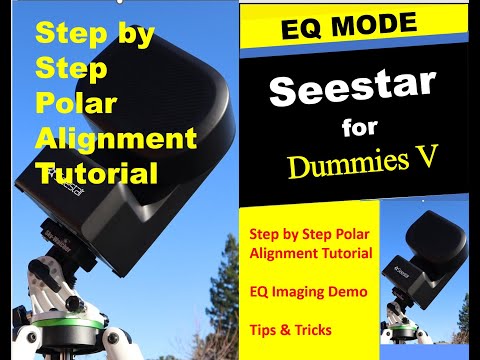 Intermediate
Curtis demonstrates an EQ setup. Use our guide alongside the current official alignment instructions.
Video details & save for later → Intermediate
Deep Space Astro’s Siril 1.4 workflow. For Seestar subs, use the dedicated Seestar preprocessing instructions.
Video details & save for later →Videos load when you press play. App screens can change; use the current official instructions linked in each guide.
A narrower view for clusters and smaller deep-sky targets.
Native telephoto camera, portrait dimensions at 1×. Calculated from active pixels, pixel size and focal length—not the advertised diagonal field. Cropping, distortion and mosaics change the delivered image.
Profiles checked September 2026. Feature availability can depend on your app and firmware.This page does not control your telescope. Never point an unfiltered telescope at the Sun. Follow the manufacturer’s dedicated solar procedure and use a correctly fitted, undamaged solar filter.